Creator workflow
Plan your next upload with AI Studios for YouTube
A useful channel video starts with a specific viewer question and ends with a checked, publishable edit. Use AI Studios for YouTube as a starting point for drafts, then review every claim, visual and spoken line against your own brief.
What this scenario must deliver
Treat these as editorial requirements, not promises about what any one tool produces. The right-hand column describes what you should have before an upload goes live.
| Early draft | Publish-ready handoff | |
|---|---|---|
| Audience | A broad topic such as microphones | A named viewer and a question the video answers |
| Opening | A greeting that delays the subject | A clear reason to keep watching, matched to the title |
| Script | Paragraphs that look fine on a page | Short spoken lines, with names and numbers checked aloud |
| Visual plan | Generic imagery attached after writing | A relevant visual or demonstration assigned to each key point |
| Evidence | Claims repeated from an unchecked draft | Claims verified against sources you can identify |
| Audio | A voice track judged only by its transcript | A full listen for pronunciation, pacing and abrupt cuts |
| Packaging | A title and thumbnail chosen in isolation | A title, thumbnail concept and opening that make the same promise |
Each item needs a clear handoff
A script review and a finished-video concept serve different purposes. Compare the information each needs to communicate before treating a visual draft as ready for viewers.
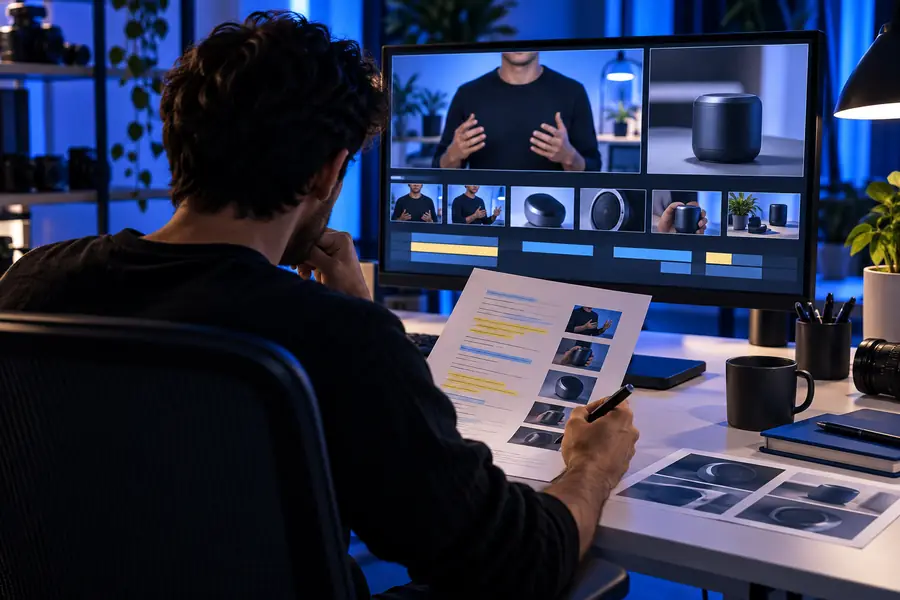
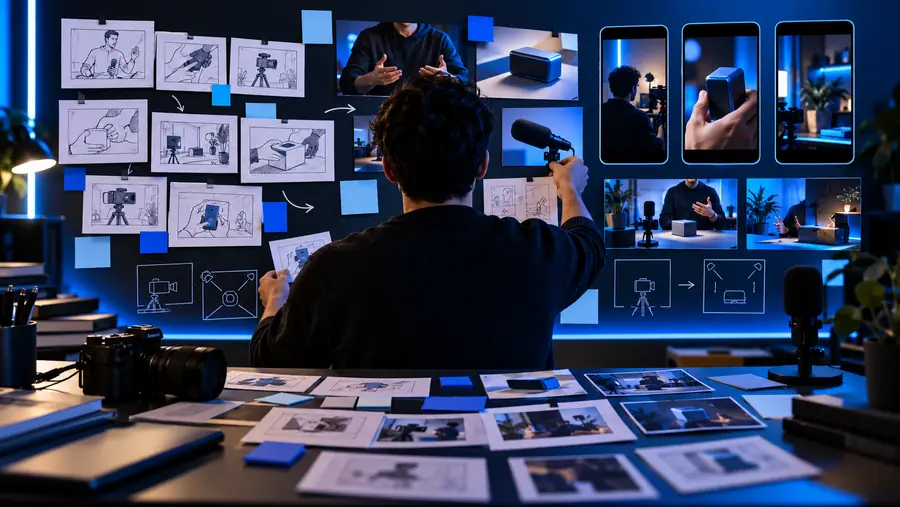
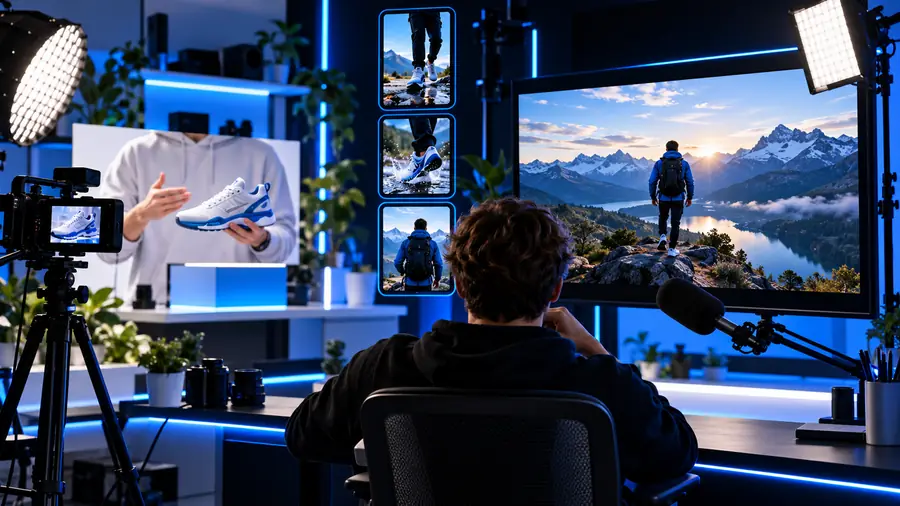
These are illustrative planning images, not a documented transformation or a generated result. In your own review, check that the spoken explanation, on-screen material and proposed title answer the same viewer question. If a visual merely decorates the scene, replace it with a demonstration, comparison or example that advances the point.
Script reviewChannel-ready conceptQuality bar for a repeatable workflow
Choose a workflow based on the video you intend to make. Each one ends with a human review; a draft is not a substitute for checking what the audience will actually see and hear.
- Explainers
- Demonstrations
- Series
-
 Explainers
Beginner explainer
Start with one question a new viewer might type into YouTube. Keep the answer narrow enough to demonstrate, then remove background detail that does not help the viewer act. Read the draft aloud before pairing lines with visuals; awkward phrasing is easier to catch by listening than by scanning text.
Draft an explainer- Write the viewer question and the answer in separate sentences.
- Outline a hook, three useful points and a recap.
- Verify factual statements and assign a visual to each point.
- Watch the full edit with sound before writing the final title.
-
 Demonstrations
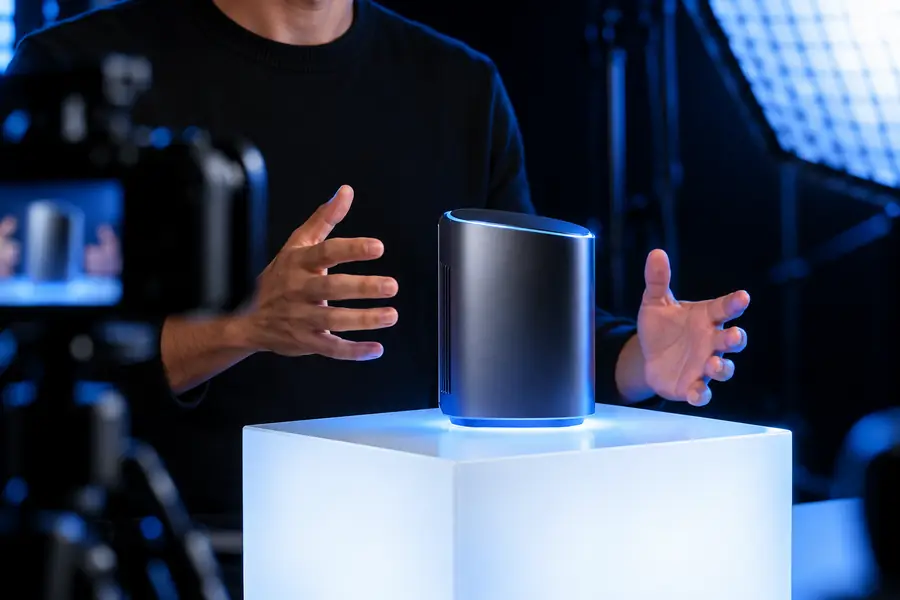
Product demonstration
Show the product doing the job described in the title. A polished introduction cannot replace a visible result, so plan the demonstration before writing supporting narration. Disclose relevant limitations rather than cutting away when a step takes longer or produces an imperfect outcome.
Plan a demonstration- List the steps a viewer needs to see, in order.
- Mark which details require original footage or permission to use.
- Check that narration describes what is actually on screen.
- Review product names, claims and disclosures before publishing.
-
 Series
Recurring channel series
Build a familiar structure without repeating the same information. Keep the opening, segment order and ending consistent enough for viewers to recognize the series, while giving each episode its own question and examples. Review the current draft independently; an approved previous episode does not validate new claims.
Outline an episode- Define the audience and recurring segment order.
- Give this episode a distinct question and takeaway.
- Check new facts, examples and visuals on their own merits.
- Compare the finished opening with the episode title.
Common rework before you publish
The most useful revision is often smaller than a complete restart: replace a vague hook, shorten a line that sounds unnatural, or show the step the narration only describes. Before publishing, check the video from a viewer's perspective without looking at your outline. If the title promises an answer the edit does not provide, fix the edit or change the promise.
Turn a promising draft into a coherent upload
- Match the opening to the viewer's question
- Check claims, pronunciation and visual relevance
- Review the entire edit before publication
Scenario FAQ
Begin with an audience, a single viewer question and the outcome you want the video to deliver. Draft an outline and script, plan supporting visuals, then check the finished edit yourself. What you can create or export depends on the tool you choose, so confirm its current capabilities before committing to a workflow.
AI assistance does not remove your responsibility for the upload. Review YouTube's current rules, including any applicable altered-content disclosure requirements, and make sure you have rights to the material you use. Check the finished video for inaccurate claims, misleading visuals and content that may breach platform policies.
Specify the intended viewer, the question, the approximate length and the desired structure. Ask for a hook, a small set of concrete points and a recap, and identify claims you will need to verify. Treat the response as a draft to edit, not as evidence that its facts are correct.
Reuse an editorial brief that records the audience, segment order, terminology and preferred tone. Give every episode its own question and examples so consistency does not become repetition. Check each new script and edit separately, even when the format is familiar.
Watch the entire video with sound and compare its opening with the title and thumbnail concept. Verify names, numbers, product claims and any on-screen demonstrations; listen for unclear speech and check that visuals support the narration. Make sure you have the necessary rights and disclosures for the material in the final edit.