AI STUDIOSVIDEO BY AI

Video creation guide

What to Know Before Using a Google AI Studio Video Generator

A google ai studio video generator search can point to more than one product. This AI Studios guide helps you turn a video idea into a usable brief, while keeping Google AI Studio and this site's video-tool handoff distinct.

Opens a separate video tool
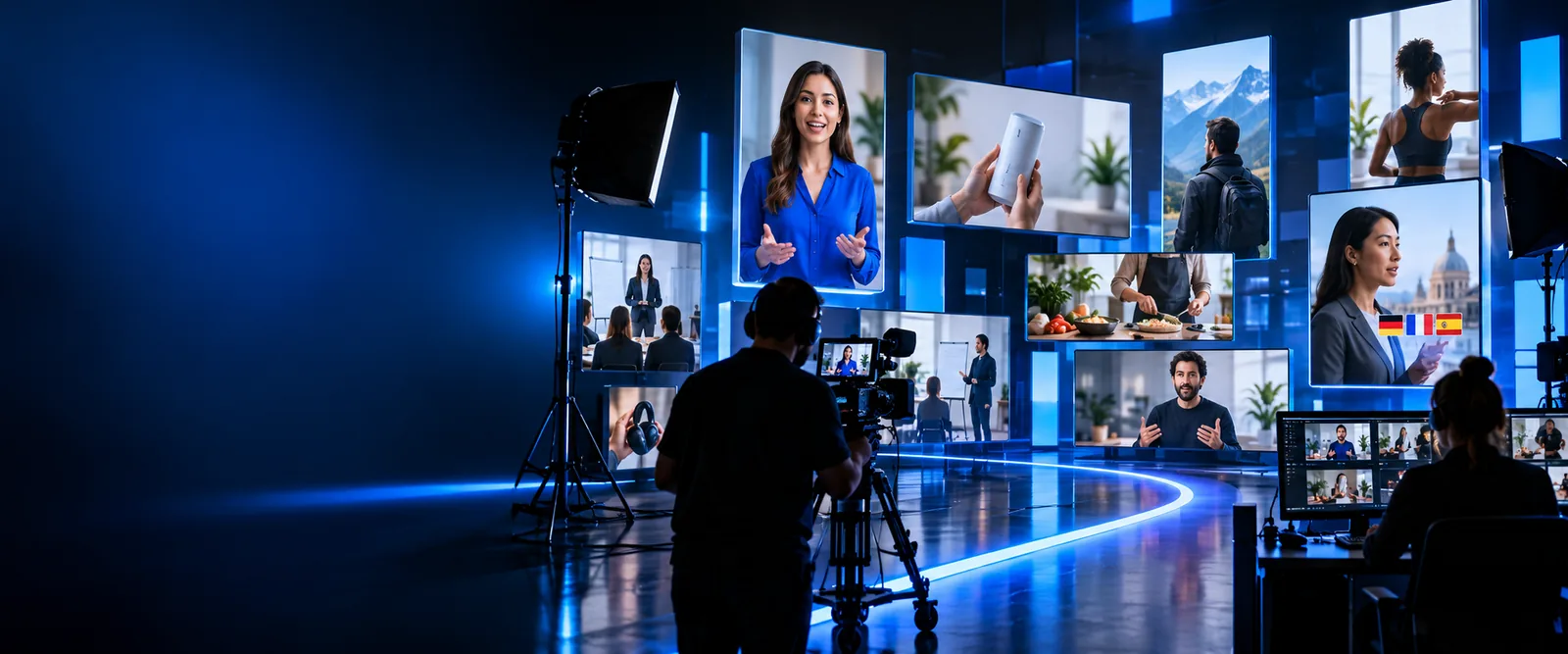
AI Studios landing-page visual for video creation

A video begins with a brief, not a finished scene

The most useful first step is to decide what the viewer should understand or do. A visual concept can then guide the footage, narration, and edits.

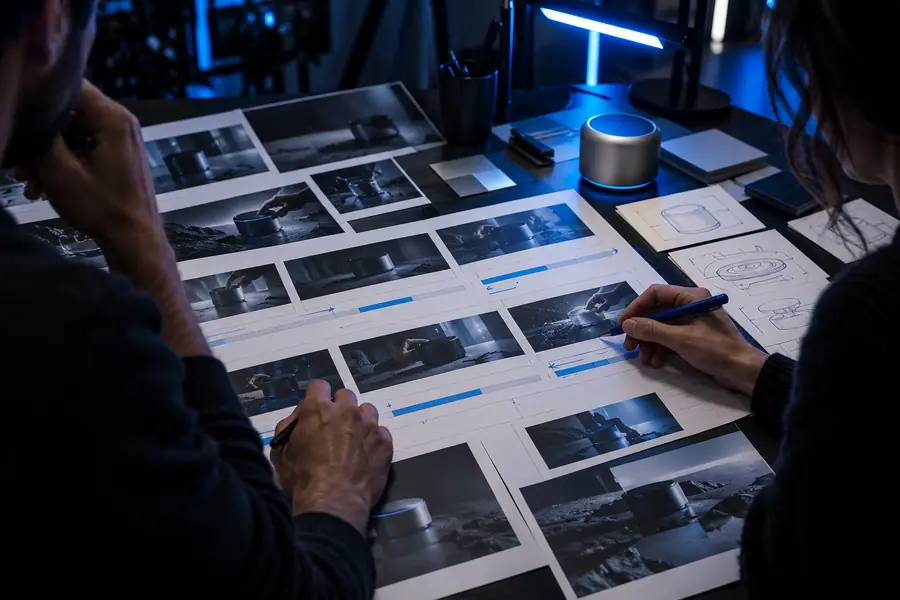
Illustration of a video script being reviewed
Written brief
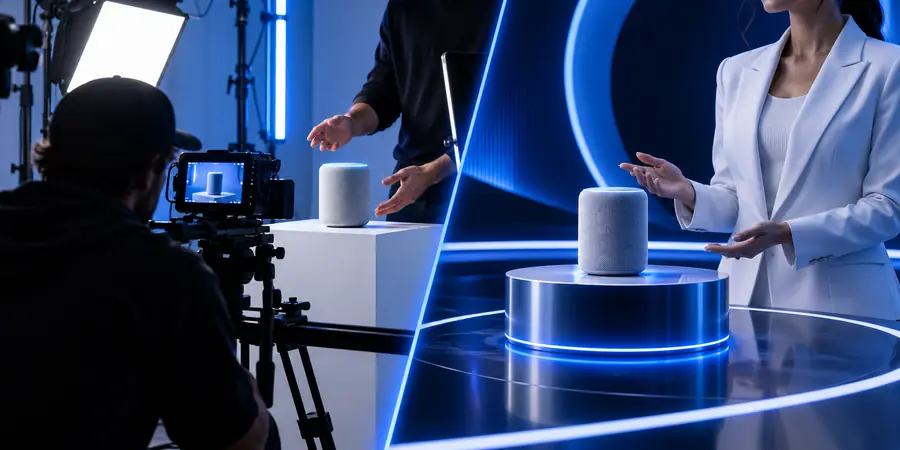
Illustration of a planned AI video concept
Video concept

These illustrations show stages of planning; they are not a verified before-and-after generation from the same prompt.

Written briefVideo concept

Three mechanisms behind a useful video brief

Whether you work in Google AI Studio or another video environment, separate the message, the visuals, and the review. Doing so makes a prompt easier to assess.

  1. 1

    Define the message

    Name the audience, the single point they should remember, and the action the video should invite. Add an intended duration if timing matters. AI Studios recommends writing this before describing camera angles or visual style.

  2. 2

    Describe visible moments

    Specify a setting, subject, and sequence of actions instead of asking for a generic promotional video. If spoken words matter, write the proposed narration separately so you can check that it agrees with what appears on screen.

  3. 3

    Review the result

    Check continuity, readable text, factual claims, and the ending. A polished-looking clip can still omit a required detail or depict the wrong product. Revise the brief rather than assuming the first result is ready to publish.

Step by step, from script to final review

Different contributors can take responsibility for each part of the same workflow. These related guides cover audio and imagery without treating them as video generation.

Scriptwriter

Draft a short scene-by-scene outline, then mark which lines are meant to be spoken rather than shown as text.

A narration draft can be evaluated separately from the visual brief. The ai studio text to speech guide explains the distinction between written dialogue and generated speech.

ai studio text to speech

Audio editor

Read the draft aloud, identify names that need careful pronunciation, and decide whether the video calls for a narrator.

A voice plan gives the edit a consistent tone. The ai studio voice generator guide covers voice-focused choices rather than promising that a video tool supplies them.

ai studio voice generator

Visual editor

List the shots needed to support each line, then inspect proposed images for accuracy before using them in a cut.

A shot list exposes missing visuals early. The google ai studio image generator free guide addresses still-image questions, which are distinct from creating motion.

google ai studio image generator free

Limits and edges to check before production

A search for google ai studio video generator does not establish which features an account can access. Compare the requirements of your project with the tool you actually open.

Project requirement What to verify in the chosen tool
Product identity A Google AI Studio workflow Confirm you are on Google's product if that is specifically what you need; the AI Studios link on this page opens a separate tool.
Video output A moving sequence, not a still Check whether the available workflow produces video, provides planning assistance, or only creates images.
Audio Narration or other sound Check whether audio is included, added in a separate step, or must be supplied by you.
Timing A clip that fits the intended edit Review available duration and pacing controls before writing a tightly timed script.
Visual accuracy Recognizable products and readable claims Inspect frames and on-screen text; do not rely on a prompt alone for exact labels or factual details.
Publication Permission to use the final material Review the current terms, source-asset rights, and any disclosure requirements for your use case.

Frequently asked questions

No. Google AI Studio is Google's product, while AI Studios is the name of this site. The creation link here opens a separate video tool, not Google AI Studio, so check the destination before entering a prompt.

No. A search phrase does not confirm the capabilities available in a particular product or account. Check the current workflow for video output, duration, audio, and export options before planning around it.

State the audience, subject, setting, visible actions, tone, and desired ending. Keep proposed narration separate from visual directions so each can be reviewed. If a detail must be exact, plan to inspect it in the result.

Compare each visible moment against the brief and mark what is missing or incorrect. Revise the relevant action or setting in the prompt, then review the new result for continuity. Do not publish an inaccurate scene merely because its style is convincing.

Start creating
Start creating