
AI STUDIOSVIDEO BY AI

Voice workflow

Plan a video with an ai studio voice generator

An ai studio voice generator is a useful starting point when a video needs spoken narration. Write the words first, decide how they should sound, then check the voice in the context of the finished scene.

Review available options after handoff
AI Studios video creation workspace

This entry point vs the general one

The distinction is what you are trying to decide first: how the words sound, or how the complete video looks.

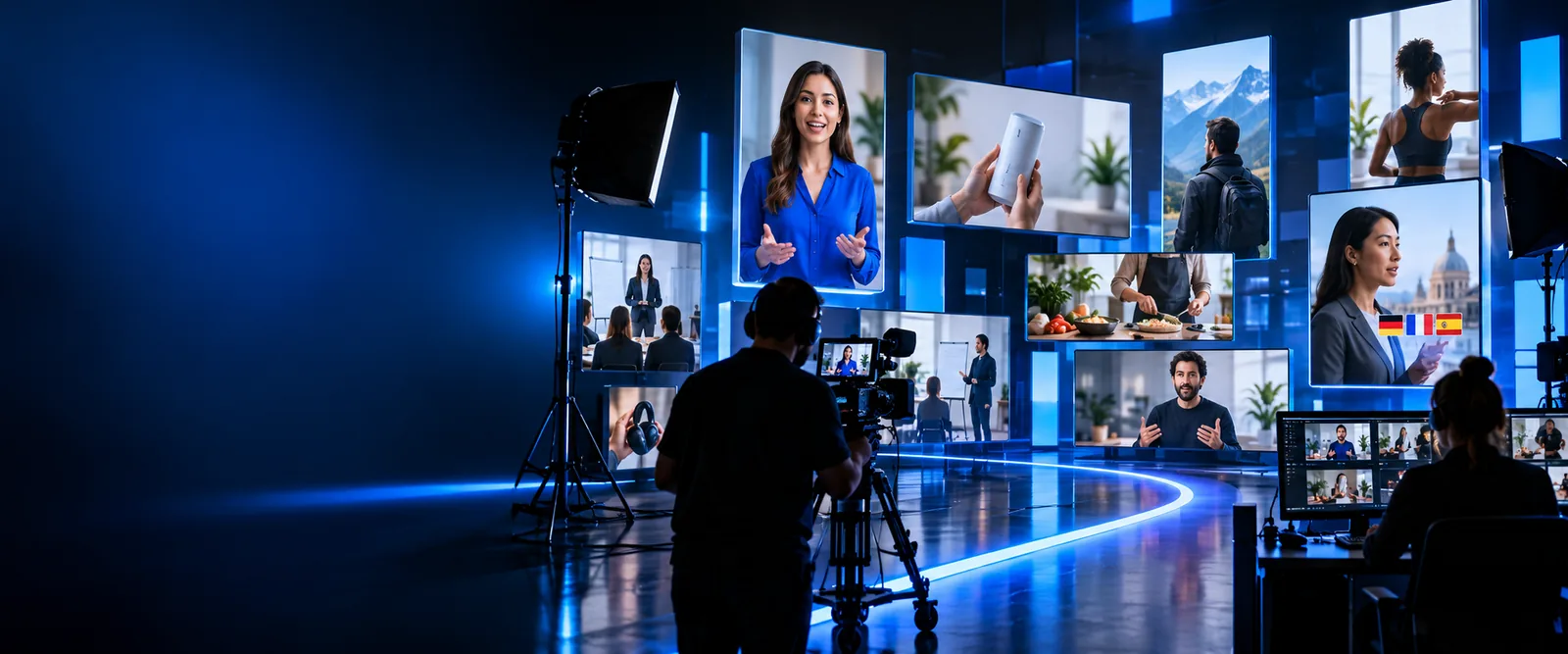
Video presenter scene illustrating a voice-led production brief Voice-first

Step 1

Start with the voice

A voice-led brief begins with a script, an intended listener and a delivery style. It helps you judge whether the narration is understandable before you spend time choosing scenes. Keep sentences short enough to say naturally, and mark names or technical terms that may need special attention.

  • Primary input: spoken script
  • First review: clarity and pronunciation
  • Next decision: where the narration belongs in the video
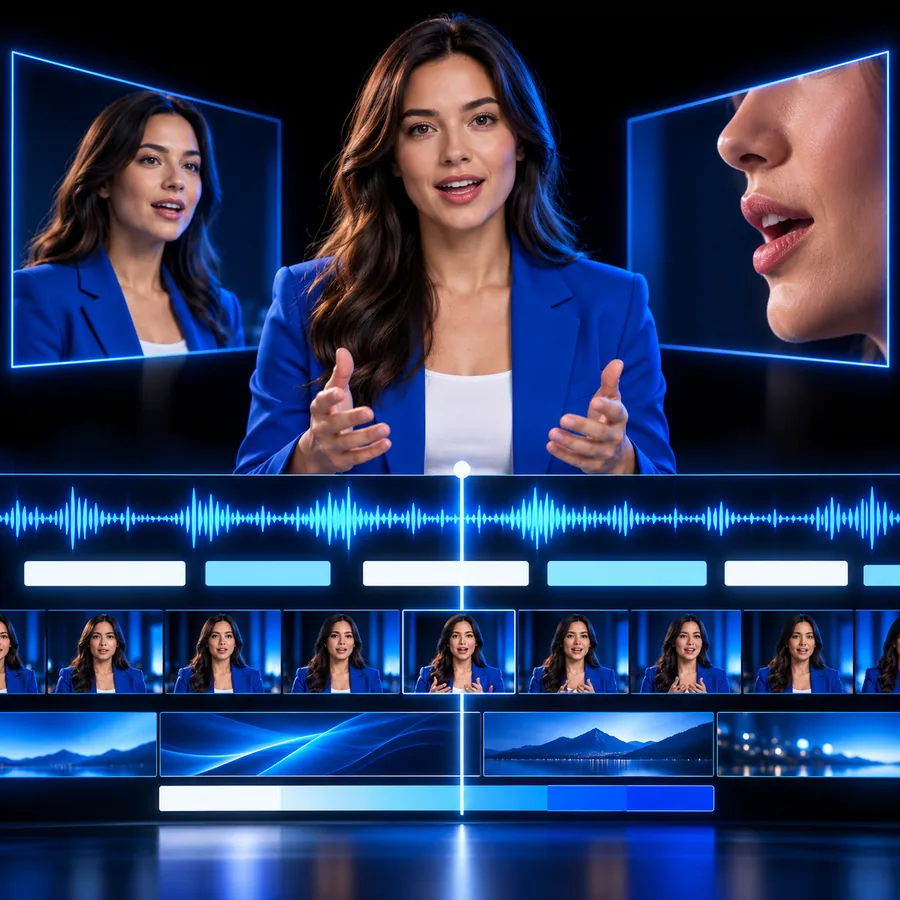
Video production scene illustrating a complete visual brief Video-first

Step 2

Start with the whole video

A general video brief begins with the audience, message and visual sequence. Narration is one part of that plan, alongside pacing, on-screen information and scene changes. Choose this route when the pictures carry as much meaning as the spoken words.

  • Primary input: video concept
  • First review: message and scene order
  • Next decision: whether narration improves the result

The three things only a voice-first brief does

These are planning advantages, not a promise that every tool provides separate controls for each one.

  1. 1

    Isolate the spoken message

    Read the script aloud without the visuals. If the meaning is unclear, rewrite it before choosing imagery; pictures should support the message, not rescue a confusing sentence.

  2. 2

    Specify the delivery

    Describe the intended tone in ordinary words, such as reassuring or direct. Add notes for names, pauses and emphasis so you have concrete points to check in the result.

  3. 3

    Review sound against the scene

    Listen while watching the video. Check whether the narration finishes before a scene changes and whether on-screen text gives the viewer enough time to read.

How to start

Pick the deliverable first, then write a brief that suits it. These related routes help you separate voice, video and image decisions.

Training author

You have a lesson outline and need spoken explanations that match its sequence.

Draft one short narration segment per teaching point. For a closer look at turning written words into speech, see ai studio text to speech.

ai studio text to speech

Product marketer

You need a concise walkthrough with narration timed to visible product moments.

List the scenes before recording the script. The google ai studio video generator page covers the broader video-generation question.

google ai studio video generator

Social creator

You have a spoken idea but no suitable visual for the opening frame.

Sketch the visual separately from the narration. The google ai studio image generator free page addresses image creation and its access questions.

google ai studio image generator free

Limits

A convincing voice is only one part of a usable video. Review the result for meaning, rights and accessibility before publishing.

Pronunciation

Names and specialist terms need a human check

Do not assume a spoken result handles unfamiliar names, acronyms or technical vocabulary correctly. Listen to the entire clip and revise the source wording where a listener might misunderstand it.

  • Keep a written list of required pronunciations.
  • Check the final audio, not just the script.

Permission

Avoid imitating someone without consent

A voice brief should describe a general delivery style rather than ask for an identifiable person's voice without permission. Check the terms and available voice options of the destination product before using a result commercially.

  • Use voice descriptions you can justify.
  • Confirm rights for the intended publication.

Accessibility

Make the message work beyond audio

Narration alone may exclude viewers who cannot hear it or who watch with sound off. Prepare accurate captions and make sure important information is not conveyed only through tone.

  • Compare captions with the final spoken words.
  • Check timing on a small screen.

Put the voice brief to work

Describe the message, listener and intended delivery, then inspect the options available at the destination. AI Studios is a guide to planning the brief; the linked product determines what you can create and which controls are available.

Start with a script your audience can follow

  • Lead with the exact words to be spoken
  • Review pronunciation and pacing
  • Check captions before sharing
Create voice video

AI studio voice generator FAQ

Include the words to be spoken, the intended audience and a plain-language description of the delivery. If the narration accompanies a video, explain the scene and its approximate place in the sequence.

Text to speech describes turning written text into spoken audio. A voice-led video workflow also considers how that speech fits scenes, captions and the overall message; the available features depend on the product you use.

Do not request an identifiable person's voice without appropriate permission. Review the destination product's terms and the rights needed for your intended use before publishing.

Listen for mispronounced names, awkward pauses and narration that conflicts with what appears on screen. Check captions against the final audio and confirm that you have permission to use the material.

Start creating
Start creating