A plain answer to what is an AI studio
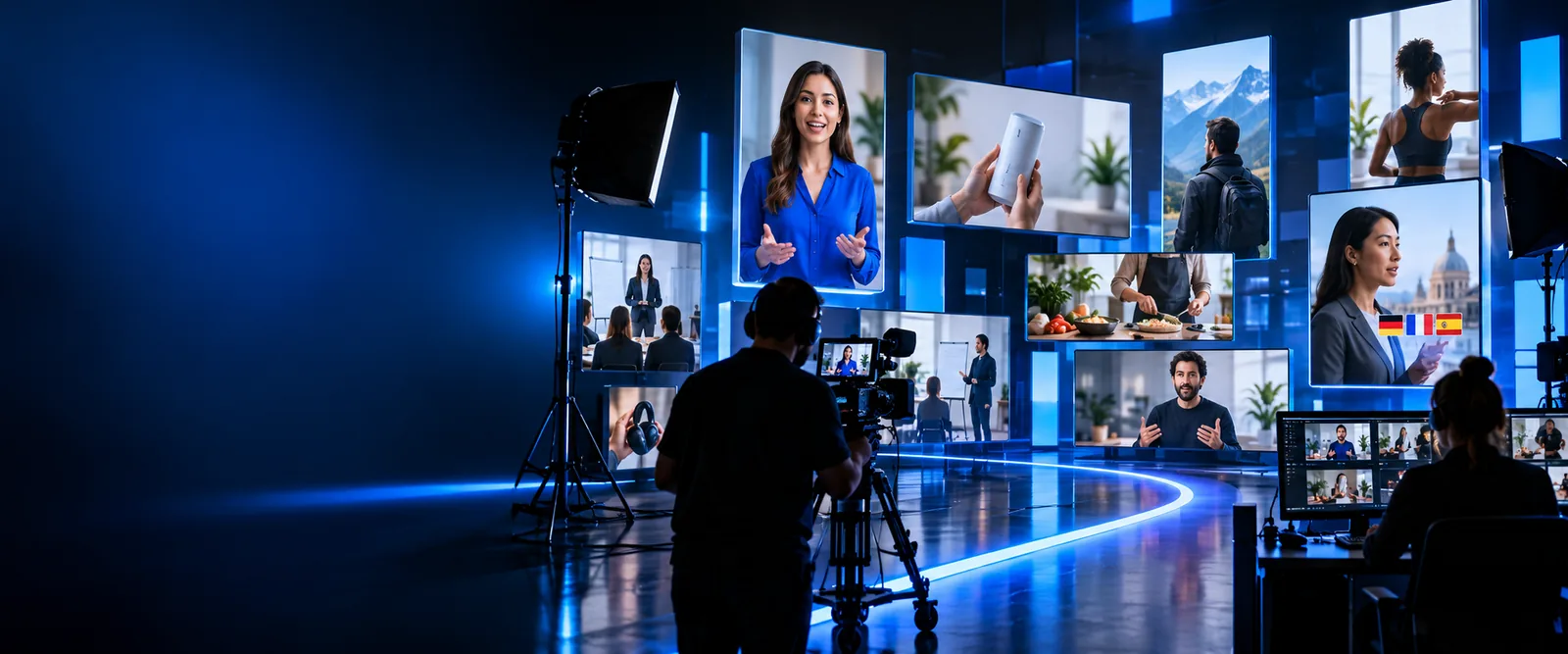
If you are asking what is an AI studio, think of a workspace that uses AI to help turn an idea, script, or source material into creative drafts. For video, that can mean preparing narration, visuals, and scenes for a person to review and refine.
One-line definition
An AI studio brings creation tasks into one workflow: you provide direction and source material, software helps produce a draft, and you decide what is ready to use.
How it works
The steps describe a general AI-assisted video workflow, not a promise that every studio offers the same tools or controls.
-
1
Set the brief
Identify the viewer, the message, and the intended length. Supply a script or source notes rather than expecting a polished result from a vague topic.
-
2
Build a draft
Use the available creation tools to assemble a first pass. Depending on the platform, that may involve generated text, narration, images, or video scenes.
-
3
Review and revise
Watch the draft as a viewer would. Correct unsupported claims, awkward timing, pronunciation, visual mismatches, and anything you do not have permission to use.
Related video workflows
These pages separate the broad definition from specific video tasks and examples.
- ai studios for video See where AI-assisted tools fit into planning, drafting, and reviewing a video.
- google ai studio video generator Clarify the difference between a named platform search and the broader idea of generating video.
- ai studios examples free Browse possible project types without assuming that every example is available at no cost.
What it can and cannot do
A studio can help organize and draft creative work; it cannot take responsibility for the finished message. Check the tool you choose for its actual capabilities.
-
A defined audience and purpose for the video — These guide choices about language, pacing, and what to leave out.
-
Source material you are entitled to use — Keep track of where facts, images, footage, and music came from.
-
A person to check claims and approve the final draft — Generated material can be convincing while still being inaccurate.
-
A finished script before opening a studiooptional — An outline may be enough to begin, but expect to revise the wording.
-
Professional recording equipmentoptional — Whether you need it depends on the format and the assets you choose.
How the format evolved
Today's studio workflow combines older ideas about machine assistance with newer systems that can work across several kinds of media.
-
A question about machine intelligence
Alan Turing's paper helped frame the question of what machines might do with language. It did not describe a modern video studio, but it belongs to the longer history behind one.
-
A language-model milestone
The transformer architecture was introduced in research. It became an important foundation for many later systems used to draft and reshape text.
-
Conversational drafting becomes familiar
Public access to conversational AI made it easier for many people to experiment with outlines and scripts before opening a traditional editor.
-
More media enters the workflow
Tools increasingly brought text, images, audio, and video into related workflows. Their capabilities still varied, so a studio's name alone did not specify its output.
From source material to a video draft
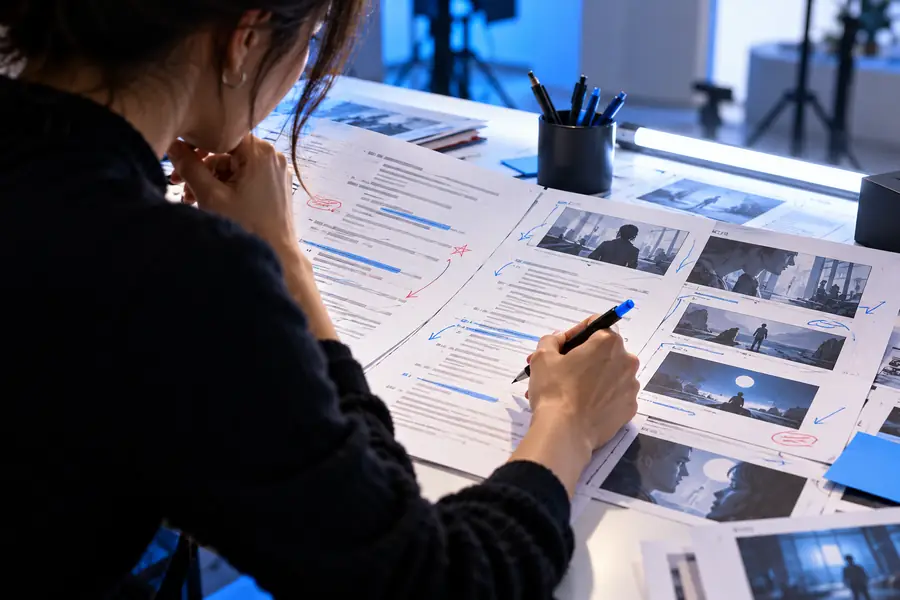
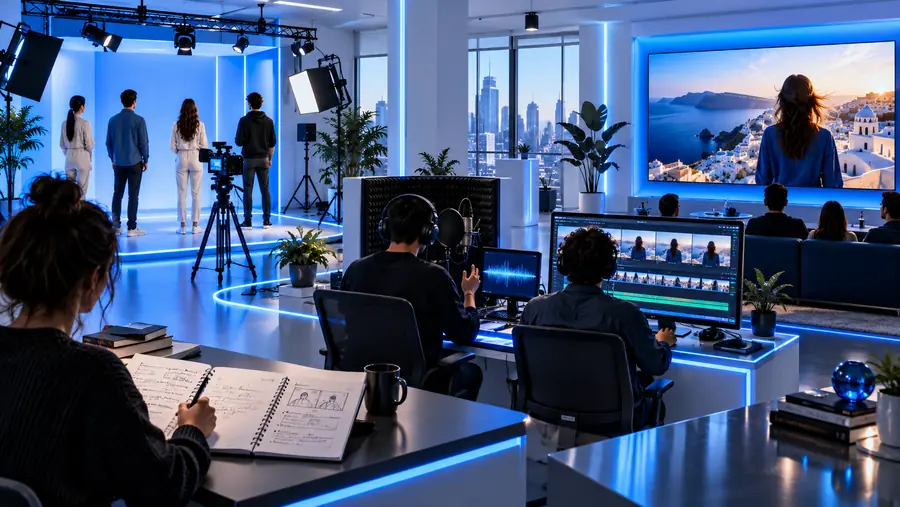
These illustrations show stages of a workflow, not a verified before-and-after output from a particular tool. Moving from one stage to the next still requires editorial choices and a final check.
Script and source reviewVideo draft for reviewWho uses it
Educators can outline short lessons, communications teams can plan announcements, and creators can test ways to explain an idea on screen. Their goals differ, but each benefits from a clear brief and careful review. If video is your goal, explore the linked video platform and check its current tools and terms before starting a project.
Explore a video creation workflow
- Start with a specific viewer and message.
- Keep source material available for fact-checking.
- Review the draft before sharing it.
What is an AI studio? FAQ
It is a workspace that uses AI to assist with creative tasks such as drafting, assembling, or revising media. In a video workflow, you still provide direction, assess the result, and decide what to publish.
The answer depends on the platform and the project. Even when a tool produces a playable draft, someone should check the facts, timing, visuals, and rights before treating it as finished.
Not necessarily. A video editor is generally used to arrange and adjust footage directly, while an AI studio may assist with earlier tasks such as scripting or producing draft media. Some products combine parts of both workflows.
Write down your intended audience, key message, and any facts that must be correct. Gather source assets you have permission to use, then set aside time to review the resulting draft.